
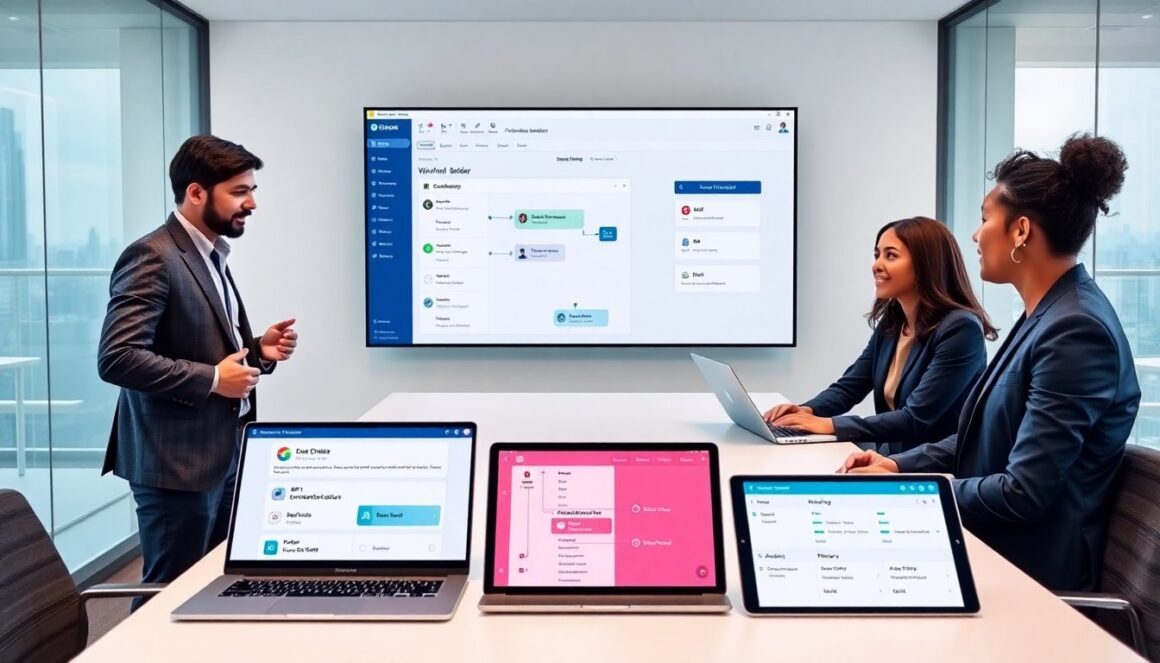
This article is a practical guide geekforcenetwork users can read to get productive fast. It states what the platform does, who benefits, and which steps matter first. It avoids fluff and gives clear actions. Readers will find setup steps, core features, and everyday tips they can use right away.
Key Takeaways
- GeekForceNetwork is a versatile collaboration and automation platform ideal for small teams, freelancers, IT teams, and managers seeking centralized project and communication tools.
- To get productive quickly, users should complete account setup with email verification, enable two-factor authentication, and follow onboarding steps including role assignments and access policies.
- Core features include project boards with task management, focused chat channels, file attachments, and notifications that keep teams informed and organized.
- Automation capabilities allow users to connect external apps via connectors and APIs, build no-code workflows, and secure API keys in a vault for efficient and auditable process automation.
- Regular best practices like naming conventions, weekly reviews, performance checks, and support ticketing ensure smooth operation and scalability of GeekForceNetwork usage.
- Engaging with platform documentation, community forums, and sandbox testing helps teams resolve issues and continually improve collaboration workflows.
What GeekForceNetwork Is And Who Should Use It
GeekForceNetwork is a collaboration and automation platform that teams use to share projects, communicate, and run workflows. It offers project boards, chat, file storage, and integration tools. Small teams use it to replace scattered tools. Freelancers use it to centralize work and billing. IT teams use it to manage deployments and alerts. Managers use it to track progress and report metrics. Developers use it to connect code and CI/CD pipelines. Decision makers should pick GeekForceNetwork when they need a single platform for work, messages, and automations.
Getting Started: Account Setup, Onboarding, And Basic Security
To start, create an account on the GeekForceNetwork site. Users verify email and set a strong password. They enable two-factor authentication under account settings. Teams create an organization and invite members by email. New users follow the onboarding checklist to set profile, notification, and privacy settings. Admins assign roles and set access policies. For basic security, admins enforce 2FA, limit guest access, and rotate API keys regularly. For compliance, teams log activity and export audit trails. Following these steps lets teams work safely and avoid common setup mistakes.
Core Features And How To Use Them
This section outlines the main features that users will use daily. It shows practical steps to run projects, chat, and automate routines. The examples use clear actions so teams can copy them and start delivering value quickly.
Collaboration Tools: Projects, Chat, And Task Management
Teams create a project board and add tasks with clear titles and due dates. A project owner assigns tasks and adds labels for priority. Members post updates in the project chat to keep context with work items. Users attach files directly to tasks to avoid email. Managers use saved views to see overdue work and upcoming deadlines. Users link tasks to milestones to track release progress. Chat channels stay focused by topic and by role. When a task changes, the platform sends notifications so no one misses updates.
Automation And Integrations: Connectors, APIs, And Workflows
Users connect external apps via the built-in connectors to sync issues, calendar events, and builds. Teams use the API to push custom events from internal tools. A workflow builder lets users create triggers, conditions, and actions without code. For example, a trigger can move a task to QA after a pull request merges. Another rule can notify a channel when a critical alert appears. Users store API keys in a secure vault and limit scopes for each connector. The platform logs each automation run so teams can audit outcomes and fix failures quickly.
Best Practices, Troubleshooting, And Where To Go Next
Teams create naming rules for projects and tasks to reduce confusion. They schedule a weekly review to archive stale items and update priorities. When performance slows, users check integration queues and clear retries. If notifications overwhelm members, teams adjust channel rules and notification filters. For access issues, admins review role assignments and session logs. For bugs, users report steps and attach logs to a support ticket inside GeekForceNetwork. For learning, teams follow the platform docs, join community forums, and test automations in a sandbox workspace. These steps keep work steady, reduce firefighting, and help teams scale their use of the platform.